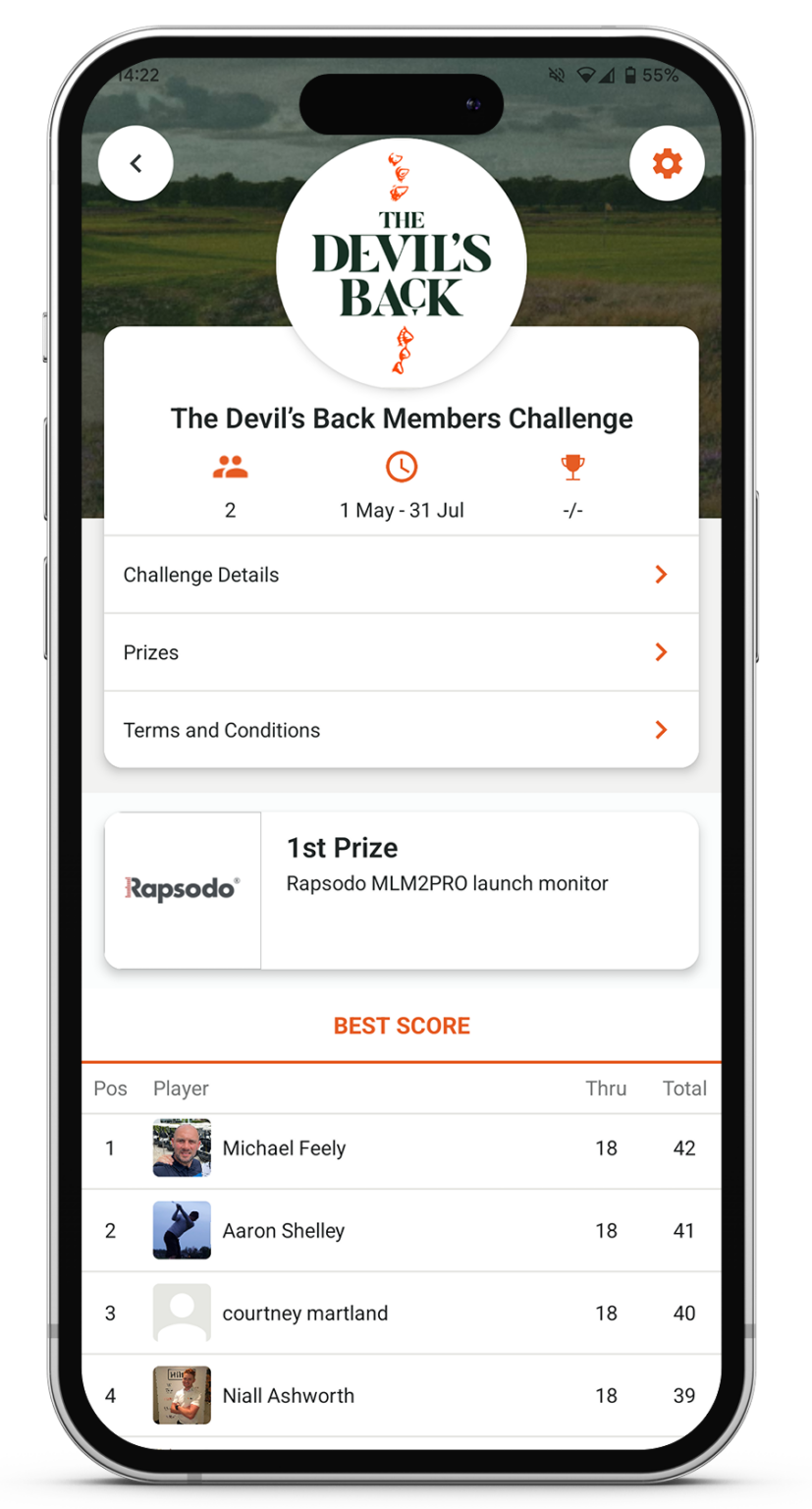
Simply join The Devil’s Back Challenge then play and score a stableford round on VPAR and be added to the challenge leaderboard.
This is a stableford points challenge with your one best score showing on the leaderboard. Play as many times as you can within the competition period to try to improve your position on the leaderboard.
Top 10 golfers on the leaderboard at the end of the challenge will be entered into a draw to win a Rapsodo Launch Monitor and other great prizes!
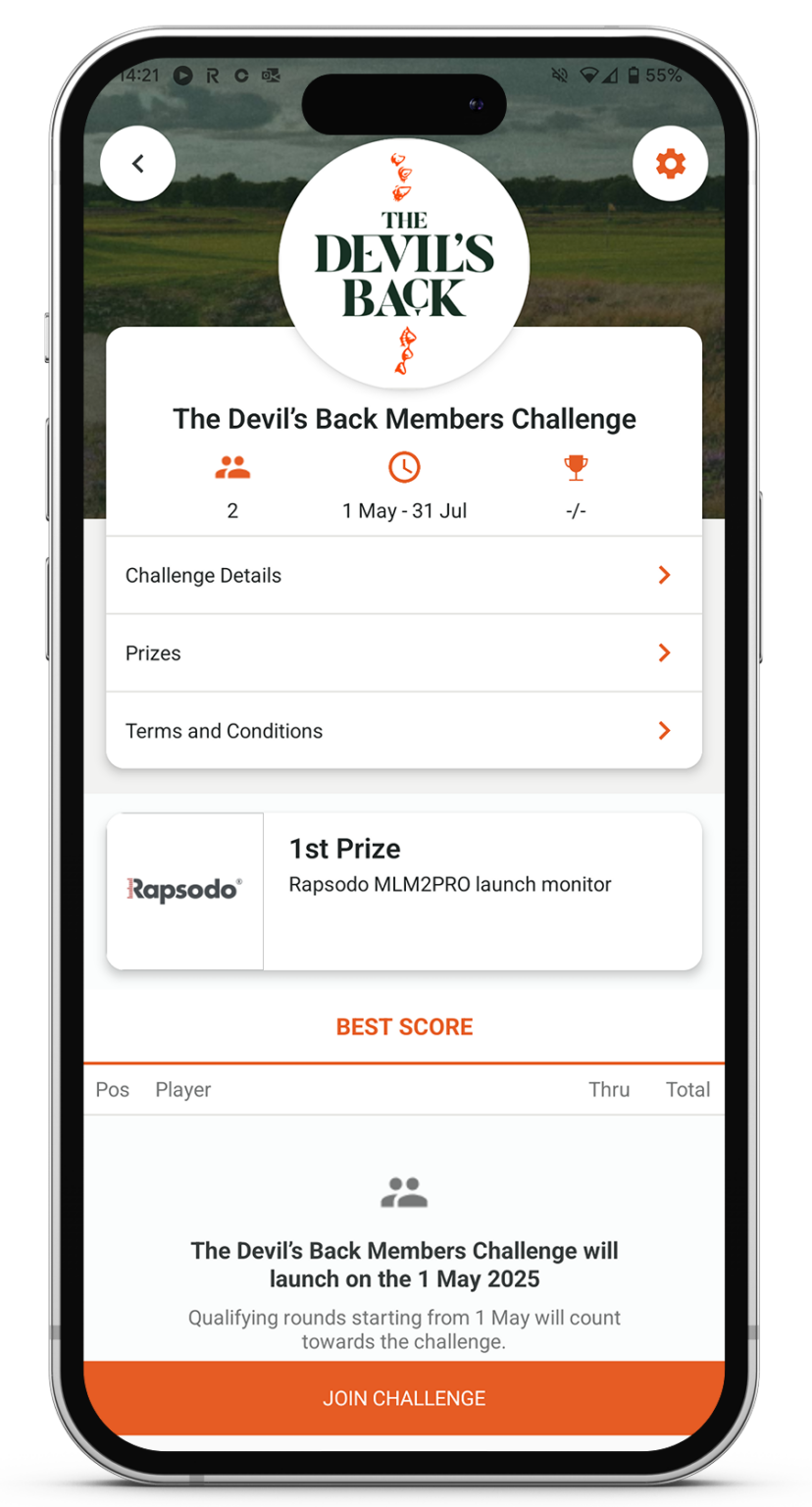
1st Prize – Rapsodo MLM2PRO launch monitor
2nd Prize – TRUE Linkswear Shoes
3rd Prize – The Devil’s Back Cap & Golf Towel
These amazing prizes are courtesy of The Devil’s Back.
Prizes
1st Prize
• Rapsodo MLM2PRO launch monitor
2nd Prize
• TRUE Linkswear Shoes
3rd Prize
• The Devil’s Back Cap & Golf Towel
How to Join
To join The Devil’s Back Members Challenge you will need to download the VPAR app from the App Store or Google Play and create an account, see download links below.
Then follow the instructions below to locate and join, The Devil’s Back Members Challenge.
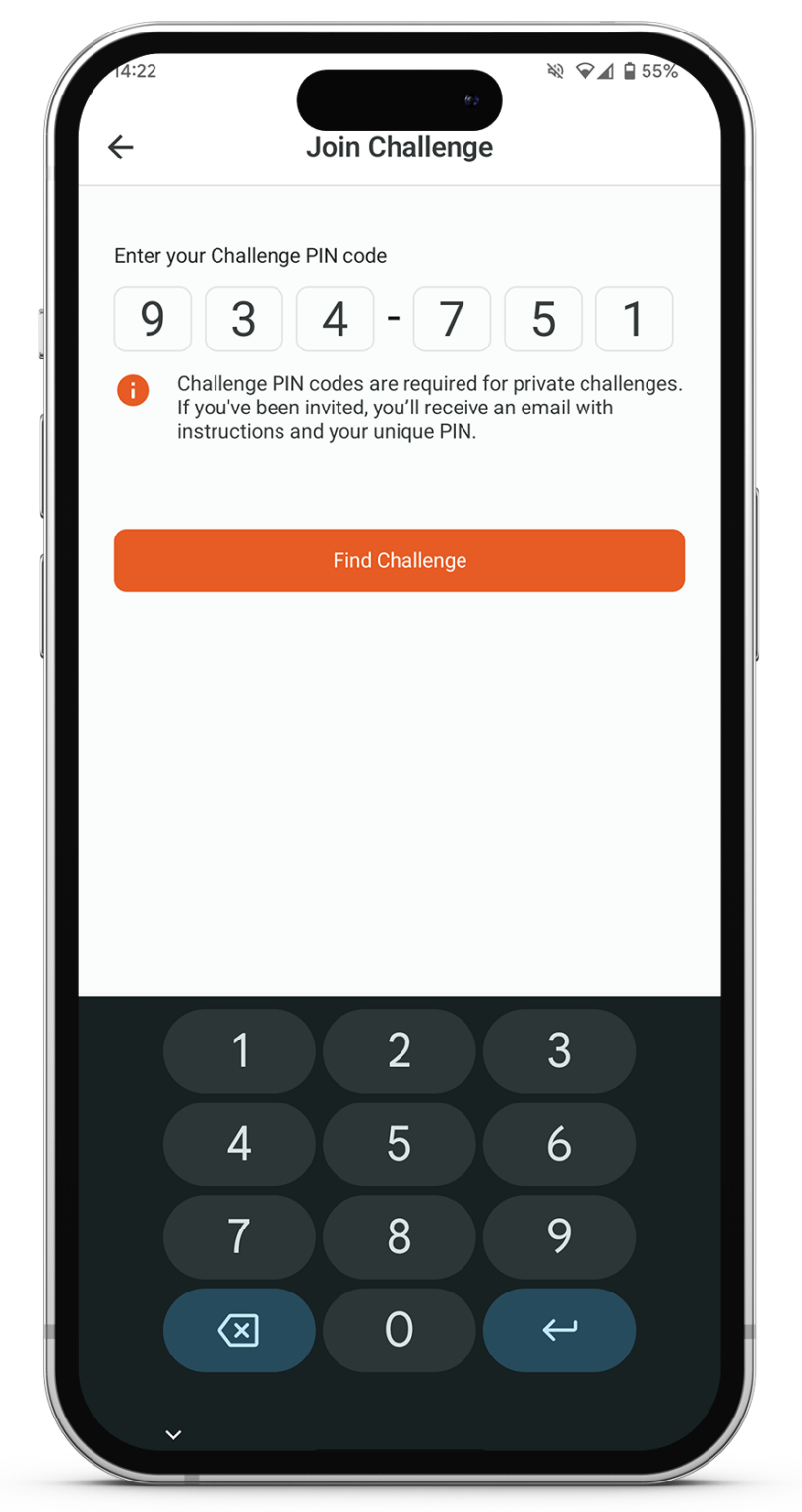
You will need Pin 934751.
Find Challenge
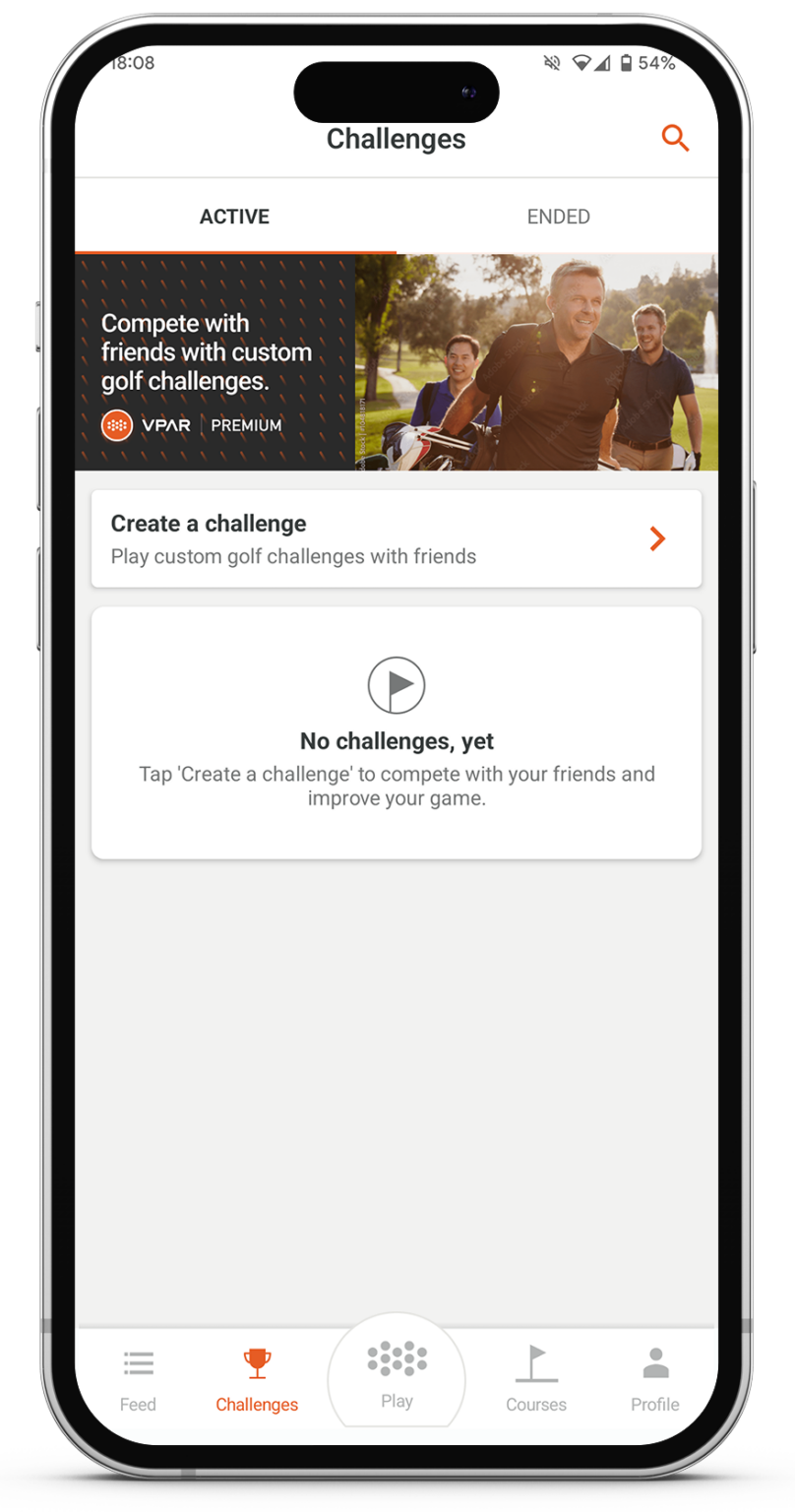
Tap the Challenge tab in the VPAR app. Then, click the search icon in the top-right corner of the screen.
Enter Pin
Once you’ve entered the PIN 934751, Press the Find Challange button and The Devil’s Back Members Challenge will appear.
Join Challenge
Just tap the Join button at the bottom of the screen—and that’s it, you’re in!
Score Rounds
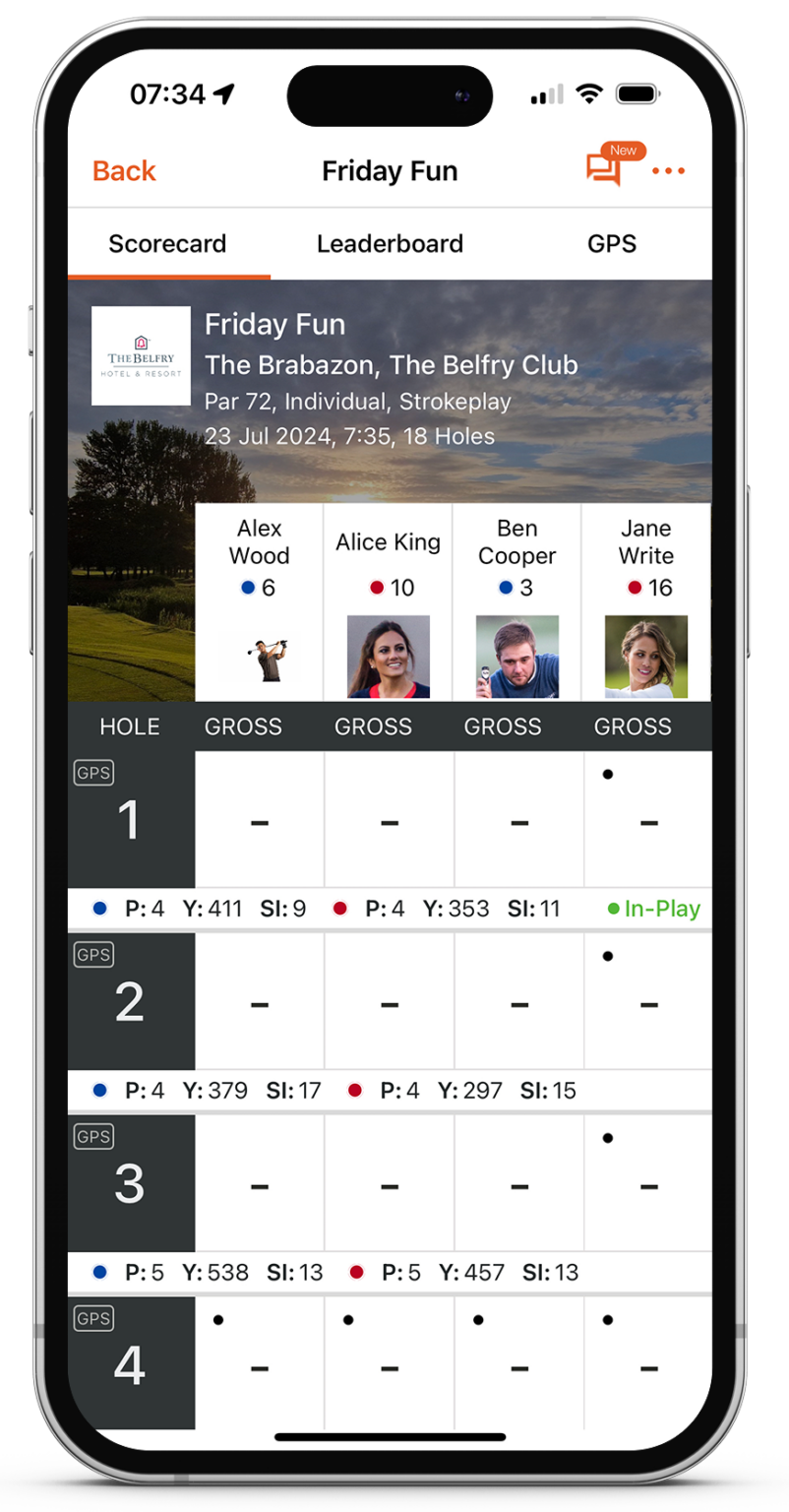
Go to the Play tab and click ‘New Game’. Choose Stableford as your scoring format and complete the rest of the game setup. All you need to do is score your round—your results will automatically be applied to the challenge.
View Challenge
Once you’ve completed your round, head over to the challenge to see where you stand on the leaderboard.
You must be a Devil’s Back member to join the Devil’s Back Members Challenge.
Anyone who has joined the Devil’s Back Members Challenge but is not a Devil’s Back member will be removed.
Entrants into the Devil’s Back Members Challenge must play and score a stableford round on the VPAR app to be included on the leaderboard and in the monthly prize draws.
You may unjoin the challenge at any time via the settings menu within the Devil’s Back Members Challenge.
If you unjoin the Devil’s Back Members Challenge, you will be removed from the challenge and the leaderboard. Any members rejoining the Devil’s Back Members Challenge will need to score another stableford round to be included again.
All players in a qualifying position must verify their score and hold a valid handicap.
Winners will be awarded their prize at the absolute discretion of VPAR and Devil’s Back.
A geo-location tracking system will flag any scores not inputted while on the selected golf course. Scores inputted outside the course location will be disqualified. All golfers must have their VPAR location settings turned on for a round to qualify.
Please enter your scores after each hole to allow verification based on time taken for each hole and your location on the course. VPAR will monitor the frequency of score inputs based on average hole and round times.
Players must have a valid handicap.
If you do not have a handicap, you can obtain a VPAR Handicap by scoring three rounds using the VPAR app.
VPAR reserves the right to disqualify any entrant if, in its final decision, it believes the entrant has not adhered to the rules of golf.
In the event of a tie for a prize position, qualifiers will be determined using a countback method (most stableford points from the back 9 holes, then 5, 4, 3, 2, 1 holes of the qualifying round). All ties remaining after this process will go into the prize draw.
VPAR reserves the right to remove any scores from the leaderboard at any time.